Beginner project picker
Match the project to the maker.
Choose the maker's age, the time available, and whether a craft knife can be used. The results update immediately and link only to existing project pages and files.
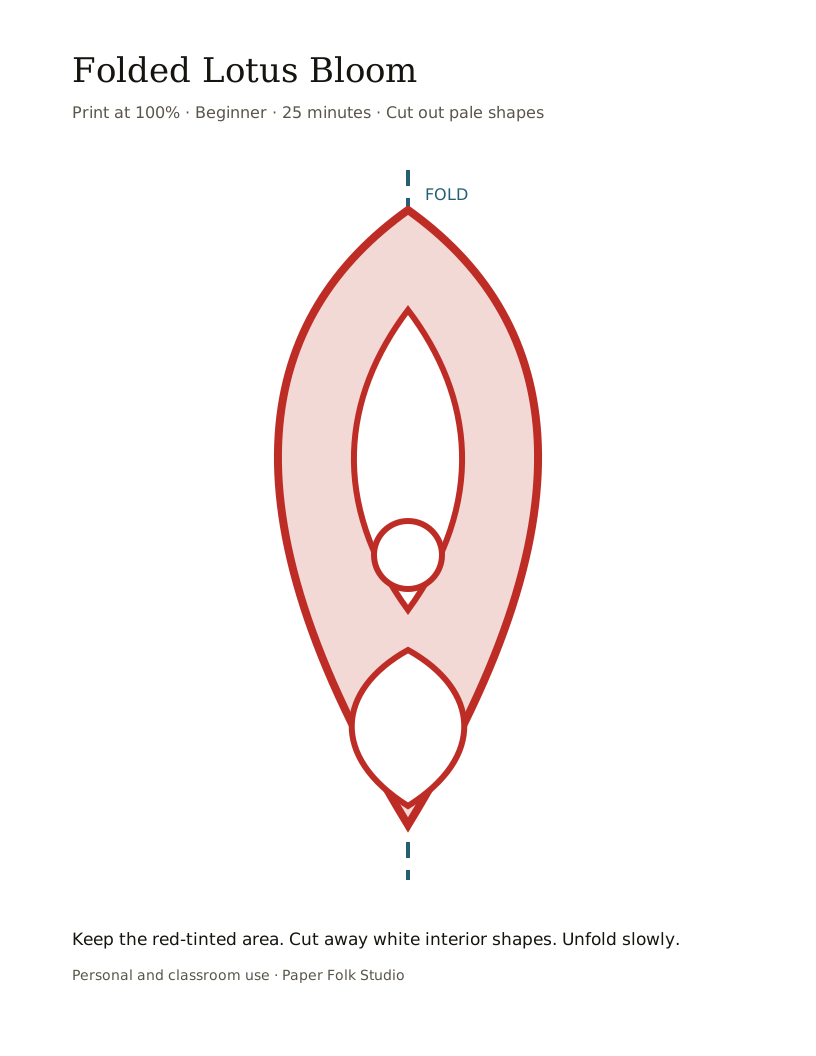
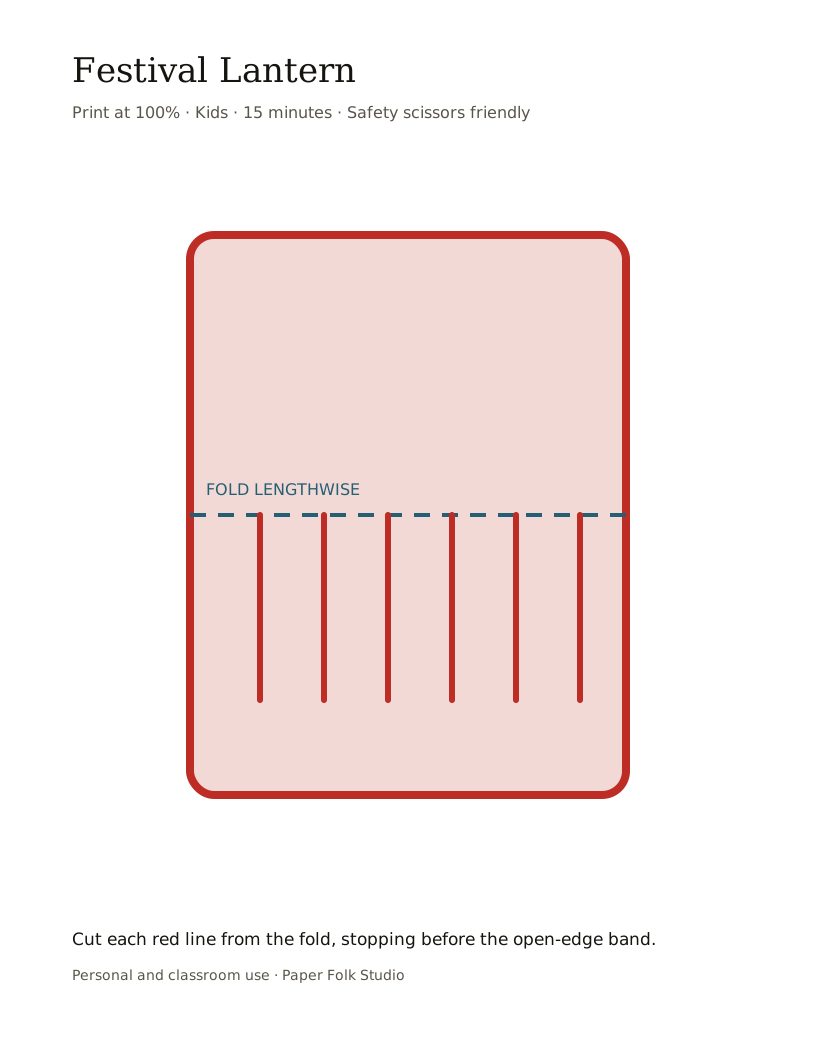
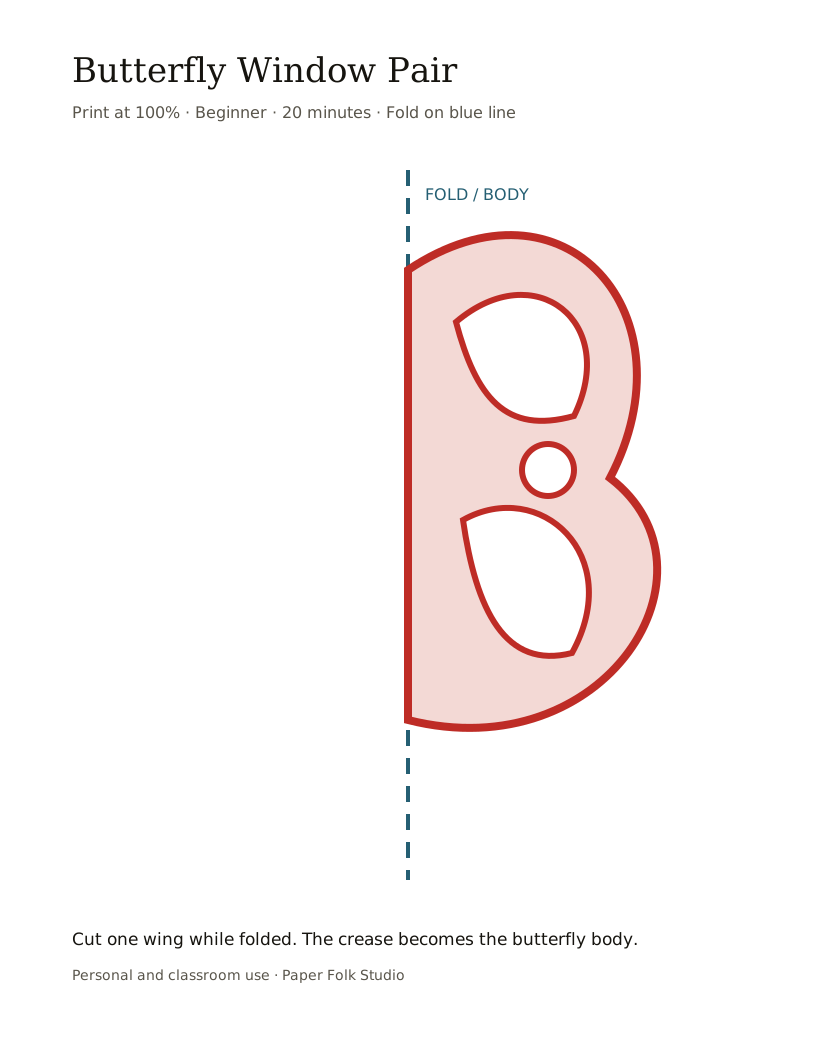
How the picker works
Three limits shape each result
Age changes complexity
The youngest setting keeps the shortlist to broad children's designs. Older groups may see projects with tighter bridges or more detailed cuts.
Time removes longer projects
A project appears only when its estimated cutting time fits the selected session. Printing and setup may require additional time.
Tool choice protects the route
Scissors-only mode excludes intermediate projects that depend on enclosed knife cuts. A craft knife should be used only by capable older makers or adults on a cutting mat.
Picker FAQ
Using and interpreting the shortlist
What does the default result show?+
It starts with projects suitable for a maker aged eight or older, a 30-minute session, and scissors only.
Why can a result list fewer than three projects?+
The picker does not pad the shortlist with unsuitable options. Increase the time, choose an older age group, or allow the appropriate tool to widen the results.
Does a craft knife choice make the activity child-safe?+
No. The setting only changes matching. Follow each project's age note, use a cutting mat, and provide active adult supervision.